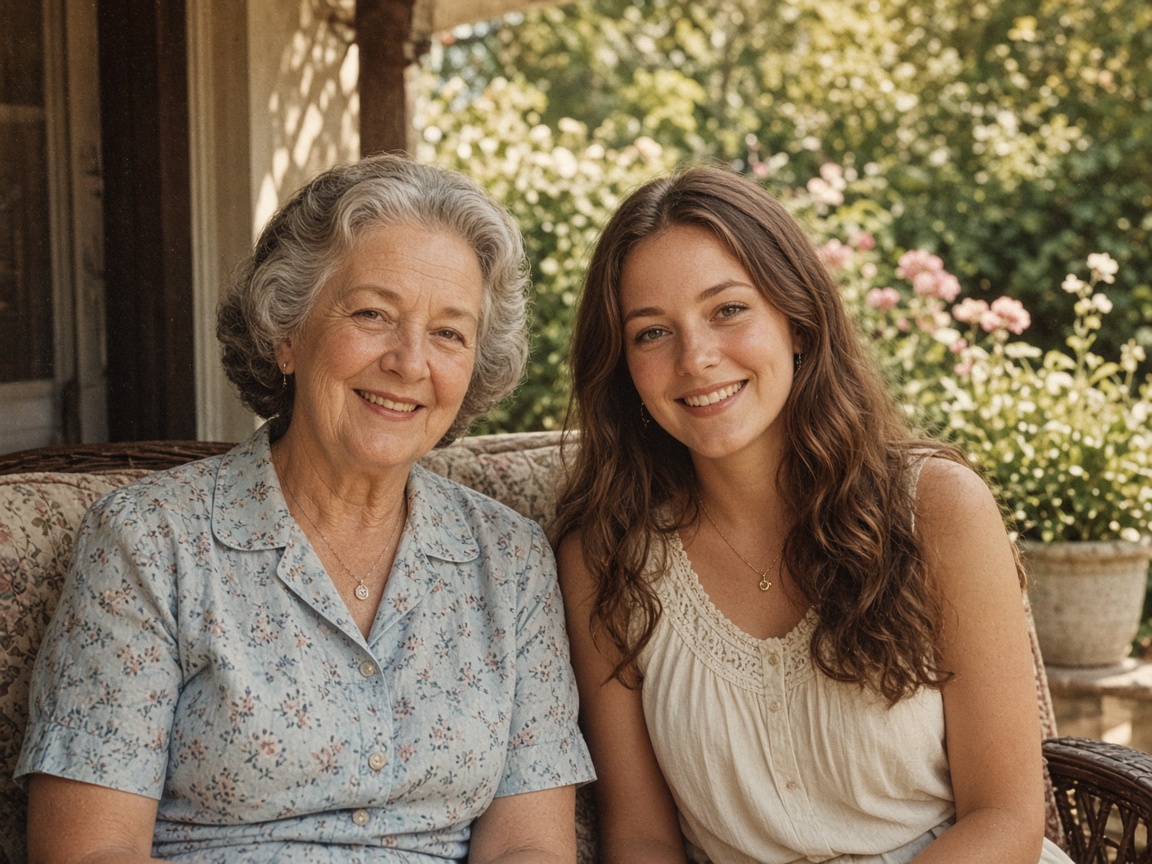
Placeholder
Portraits stay the same face
Skin and edges look cleaner. We don’t invent a new person.
Kostenlos ohne Anmeldung testen
Mache unscharfen Text in Screenshots, Fotos von Dokumenten oder Notizen wieder klar lesbar – und kopiere den erkannten Text mit einem Klick.

Scene cards use stand-in photos for now. We’ll swap them for real model stills later.
Placeholder stills · we’ll swap these for real model results later
Skin and edges look cleaner. We don’t invent a new person.
Indoor light, phone noise, casual stills — the same photo, less mush.
Boxes, logos, and tabletop shots. Edges stay edges.

Letters stay the letters you already have. Nothing is rewritten.
Step 1
Unterstützt JPG, PNG und WebP bis 15 MB – z. B. Belege, Folien, Buchseiten oder Chats.
Step 2
Unser spezialisiertes Modell schärft Buchstaben und Ziffern ohne Wörter umzuschreiben.
Step 3
Nutze ‚Text kopieren‘, um den gesamten Inhalt direkt als bearbeitbaren Text in die Zwischenablage zu übernehmen.
Perfekt, wenn du Text aus einem Screenshot, einer PDF-Grafik, einem Foto vom Whiteboard oder einer Rechnung nicht mühsam abtippen möchtest.
Rechnungen und Quittungen digitalisieren, Vorlesungsfolien abtippen sparen, unscharfe Screenshots lesbar machen.
If you're happy with the result, it's ready to save. If you also want to upscale, extend the edges, or refine other details, you can continue with:
Das Auslesen des Textes aus dem Ergebnis kostet nur 1 Credit.
Ja, deutsche Texte, Umlaute und Zahlenformate werden zuverlässig erkannt.
Schärfen & Optimieren
3Vergrößern & Freistellen
2Entfernen & Retusche
2Porträt, Frisur & Kunst
5Professionelles Studio- oder Büro-Bewerbungsfoto aus deinem Porträt.
4 Credits
Welche Frisur passt zu mir? Haarschnitte realistisch am Foto testen.
4 Credits
Blond, Kupfer, Braun oder Silber am eigenen Foto ausprobieren.
4 Credits
Fotos in Comic, Cartoon oder Karikatur verwandeln.
5 Credits
Fotos in Bleistiftzeichnung, Strichzeichnung, Aquarell oder Ausmalbild.
5 Credits
OCR & KI-Prüfung
2