Placeholder
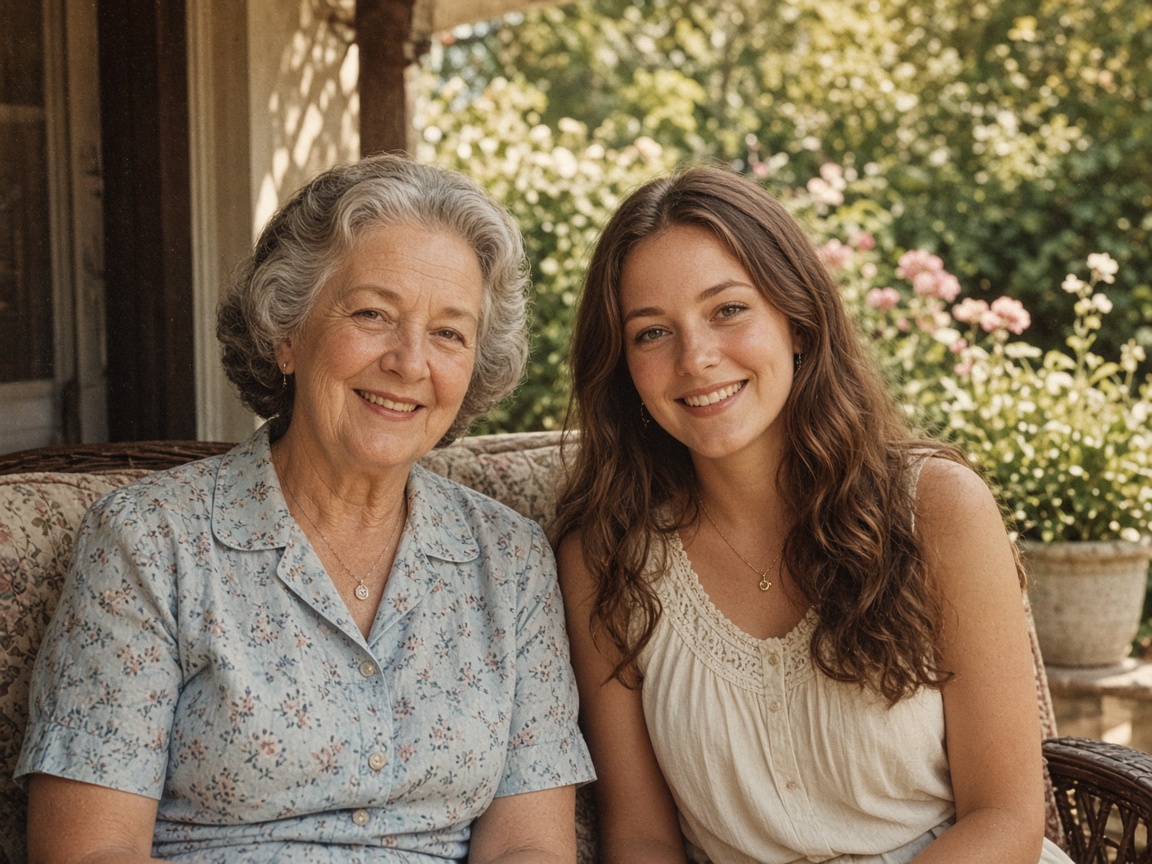
Portraits stay the same face
Skin and edges look cleaner. We don’t invent a new person.
Kostenlos ohne Anmeldung testen
Überspinsele störende Touristen, Kabel, Schilder oder Gegenstände – unsere KI füllt den Hintergrund natürlich wieder auf.
Scene cards use stand-in photos for now. We’ll swap them for real model stills later.
Placeholder stills · we’ll swap these for real model results later
Skin and edges look cleaner. We don’t invent a new person.
Indoor light, phone noise, casual stills — the same photo, less mush.
Boxes, logos, and tabletop shots. Edges stay edges.

Letters stay the letters you already have. Nothing is rewritten.
Step 1
Ziehe dein Foto als JPG, PNG oder WebP (bis 15 MB) in den Editor.
Step 2
Markiere die störende Person oder das Objekt mit leichtem Randabstand.
Step 3
Starte die KI-Retusche und lade das bereinigte Foto herunter.
Unsere KI erkennt Architektur, Himmel, Wasser, Rasen und Lichtverhältnisse rund um die Markierung und füllt die Lücke unauffällig.
Urlaubsfotos ohne Touristen, Immobilienfotos ohne Unordnung, Produktfotos ohne störende Kabel oder Etiketten.
If you're happy with the result, it's ready to save. If you also want to upscale, extend the edges, or refine other details, you can continue with:
Stelle das Motiv sauber frei oder setze einen weißen Studio-Hintergrund.
Try with this photoJa, nur der markierte Bereich wird neu berechnet – das übrige Bild bleibt unberührt.
Ein Retusche-Durchlauf kostet 6 Credits.
Schärfen & Optimieren
3Vergrößern & Freistellen
2Entfernen & Retusche
2Porträt, Frisur & Kunst
5Professionelles Studio- oder Büro-Bewerbungsfoto aus deinem Porträt.
4 Credits
Welche Frisur passt zu mir? Haarschnitte realistisch am Foto testen.
4 Credits
Blond, Kupfer, Braun oder Silber am eigenen Foto ausprobieren.
4 Credits
Fotos in Comic, Cartoon oder Karikatur verwandeln.
5 Credits
Fotos in Bleistiftzeichnung, Strichzeichnung, Aquarell oder Ausmalbild.
5 Credits
OCR & KI-Prüfung
2