Placeholder
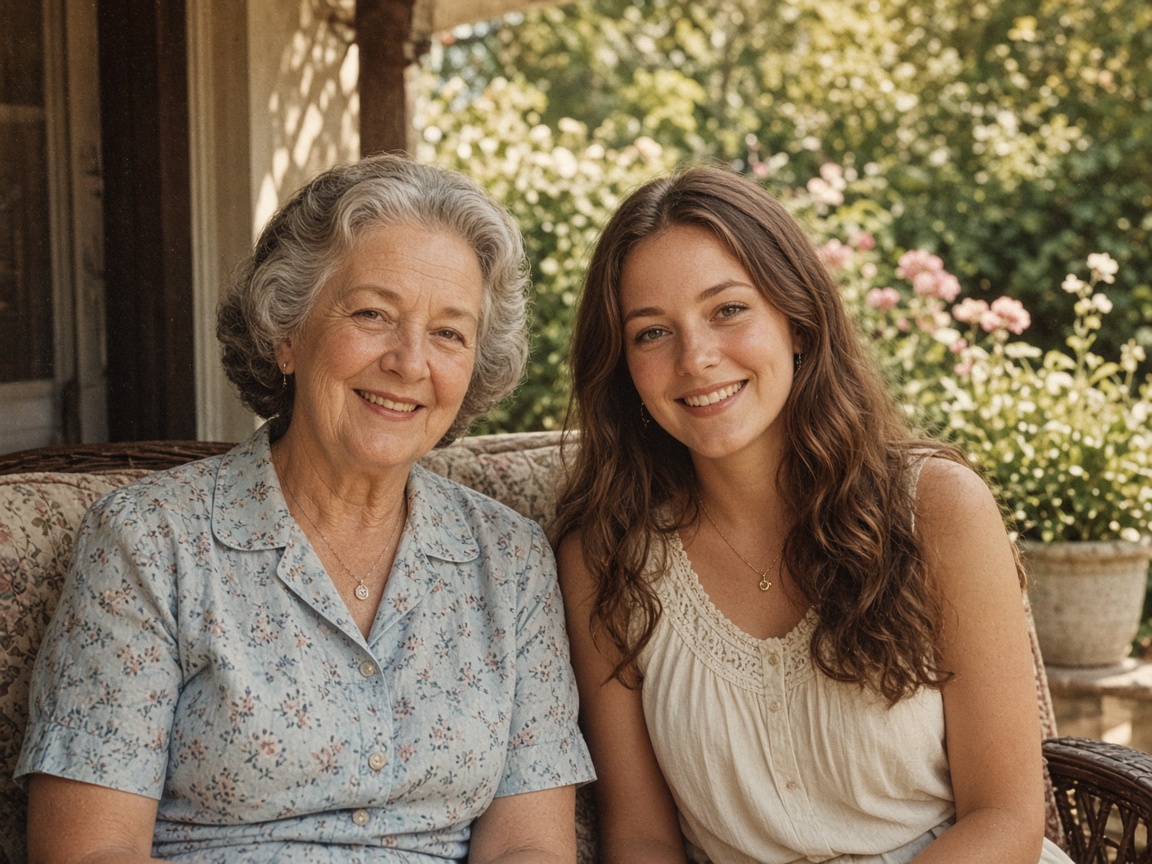
Portraits stay the same face
Skin and edges look cleaner. We don’t invent a new person.
Kostenlos ohne Anmeldung testen
Probiere neue Haarschnitte virtuell an deinem eigenen Foto aus, bevor du zum Friseur gehst. Dein Gesicht und Hintergrund bleiben unverändert.
Scene cards use stand-in photos for now. We’ll swap them for real model stills later.
Placeholder stills · we’ll swap these for real model results later
Skin and edges look cleaner. We don’t invent a new person.
Indoor light, phone noise, casual stills — the same photo, less mush.
Boxes, logos, and tabletop shots. Edges stay edges.

Letters stay the letters you already have. Nothing is rewritten.
Step 1
Lade ein frontales Foto mit gut sichtbarem Gesicht und Haaransatz hoch.
Step 2
Wähle eine beliebte Vorlage (Bob, Pixie, Wellen, Pony, Buzz Cut) oder beschreibe deinen Wunsch-Schnitt.
Step 3
Vergleiche deinen aktuellen Look direkt im Schieberegler mit der neuen Frisur.
Unsere KI passt Haaransatz, Volumen, Schatten und Lichteinfall natürlich an deine Kopfform an – dein Gesicht bleibt exakt dasselbe.
Bob, Pixie Cut, Curtain Bangs, lange Wellen, Locken, Buzz Cut, Seitenscheitel und eigene Wunsch-Frisuren.
If you're happy with the result, it's ready to save. If you also want to upscale, extend the edges, or refine other details, you can continue with:
Ja, du kannst direkt ein Foto ohne Konto testen.
Ja! Nutze dafür direkt unser Werkzeug ‚Haarfarbe testen‘.
Schärfen & Optimieren
3Vergrößern & Freistellen
2Entfernen & Retusche
2Porträt, Frisur & Kunst
5Professionelles Studio- oder Büro-Bewerbungsfoto aus deinem Porträt.
4 Credits
Welche Frisur passt zu mir? Haarschnitte realistisch am Foto testen.
4 Credits
Blond, Kupfer, Braun oder Silber am eigenen Foto ausprobieren.
4 Credits
Fotos in Comic, Cartoon oder Karikatur verwandeln.
5 Credits
Fotos in Bleistiftzeichnung, Strichzeichnung, Aquarell oder Ausmalbild.
5 Credits
OCR & KI-Prüfung
2